
Free QR Scanner
Qik – QR Code Scanner
Scan it. Tag it. Find it later.
Tag, note, and search every QR code you’ve ever scanned.
Plus scan multiple QR codes at once.
100% offline, no internet, no tracking

Free to download · Go Premium for ad-free + cloud backup
features

Tag & note
every scan
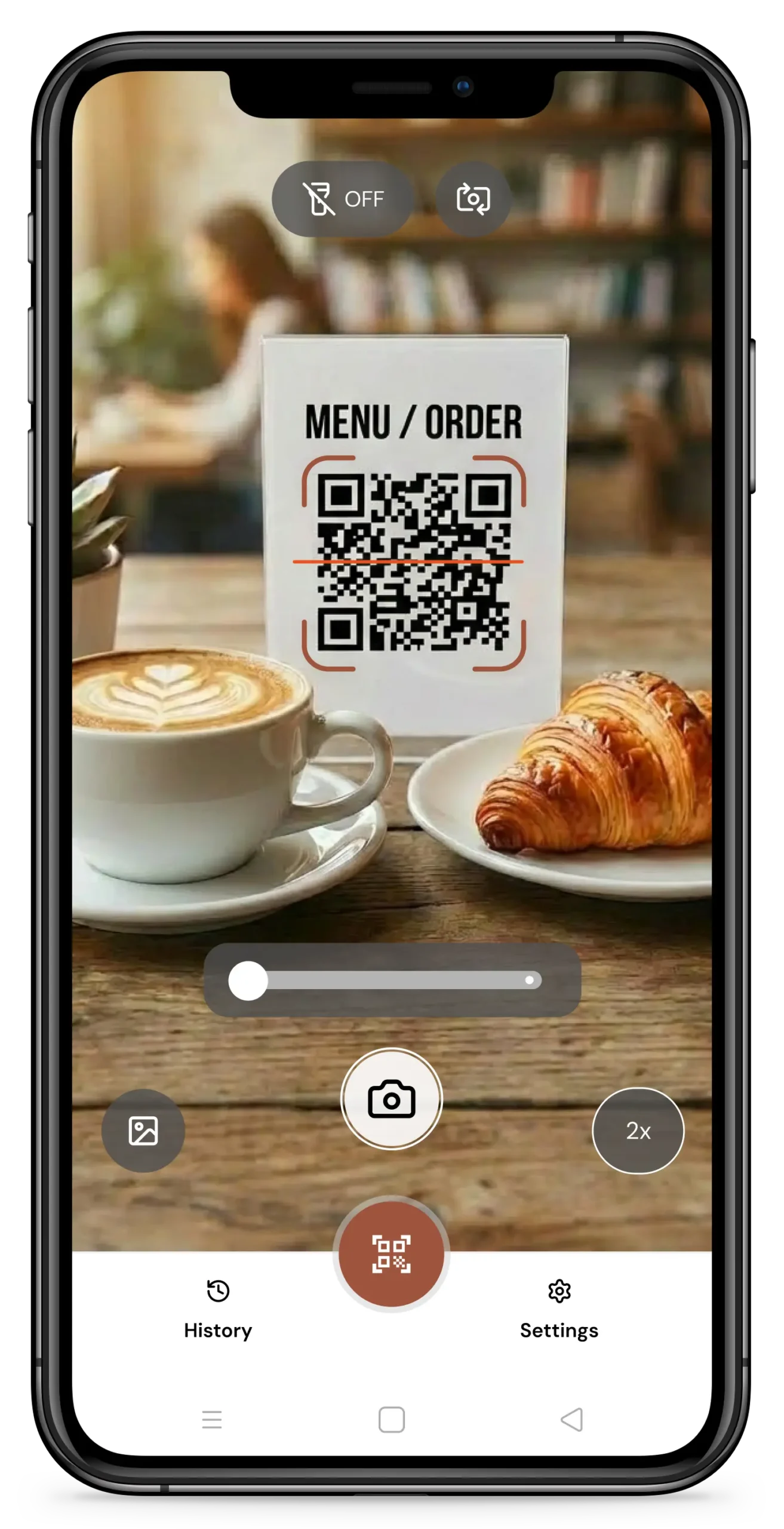
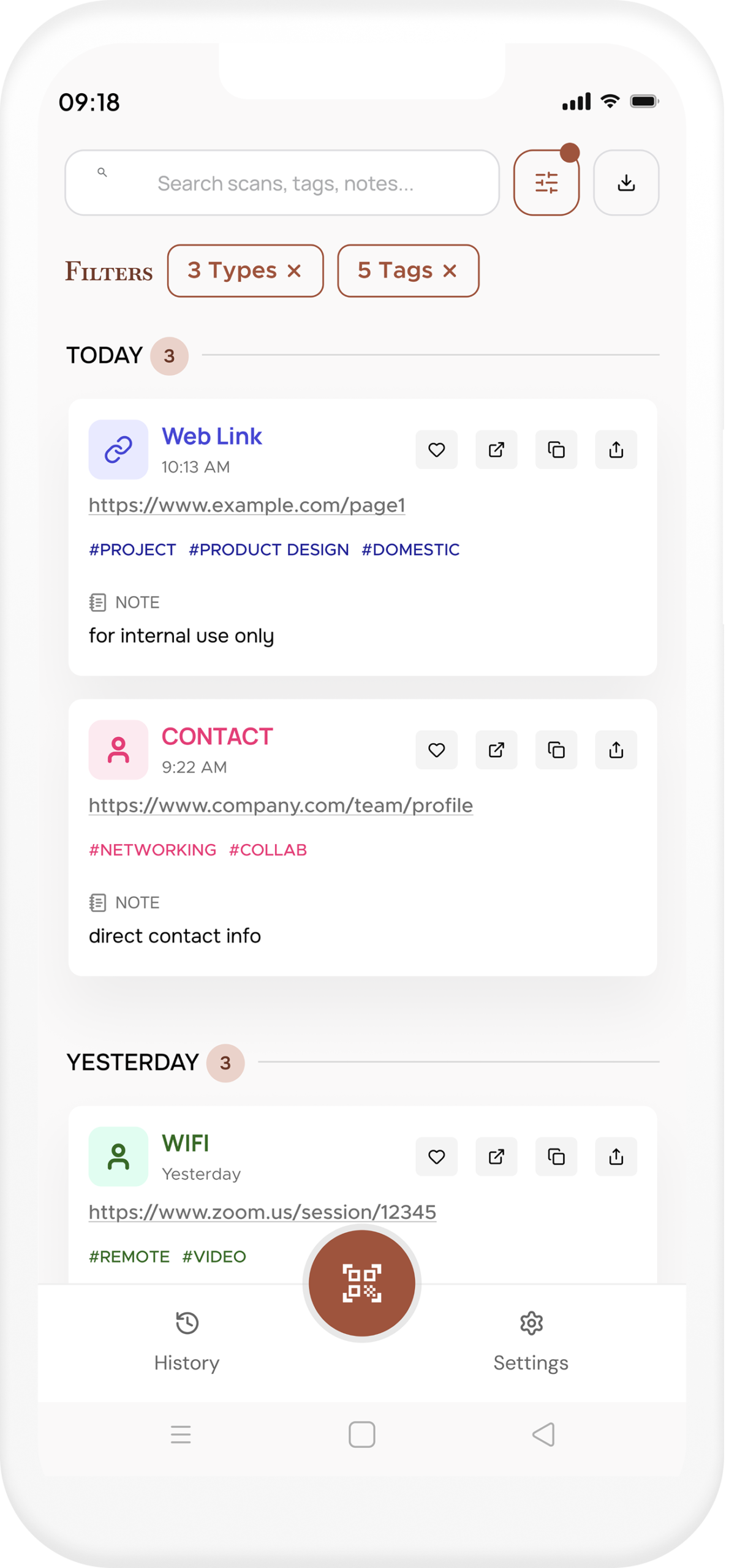
Add custom tags and notes the moment you scan. Your history stays meaningful, not just a raw timestamped list.

Find anything in seconds
Filter by type, search by tag or note, or group by day. Find any scan from weeks ago without scrolling endlessly.
Scan one or many
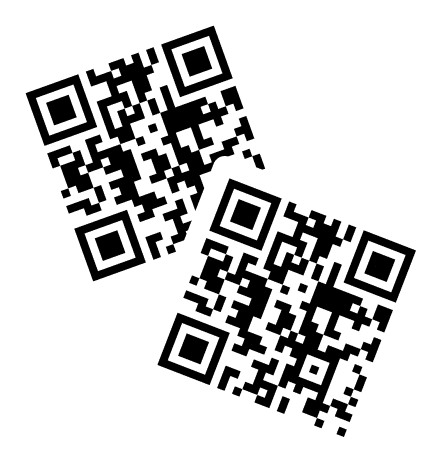
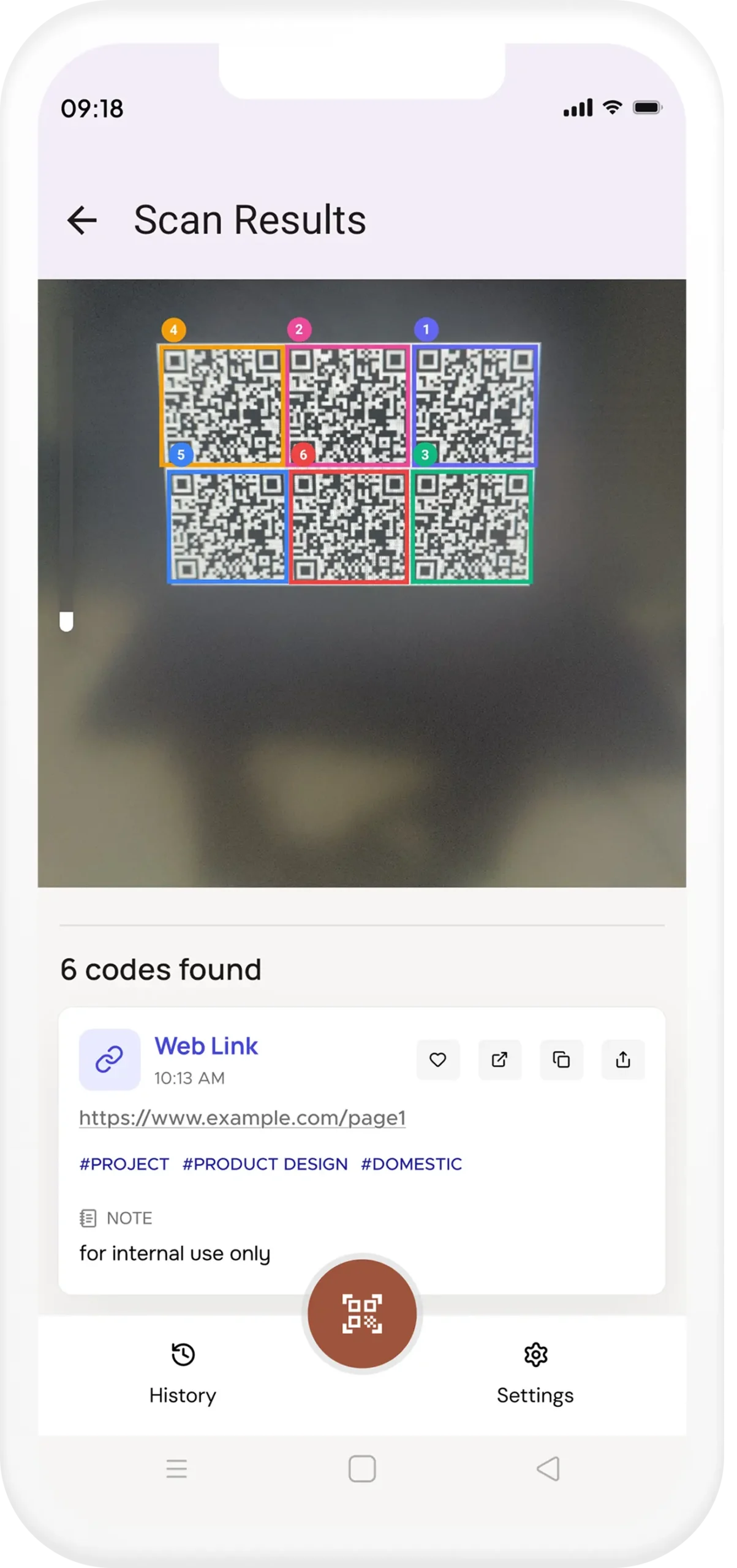
Instant mode takes you straight to the result after each scan. Turn it off to scan multiple codes without jumping to results. Collect them all, then review.
Backup & restore
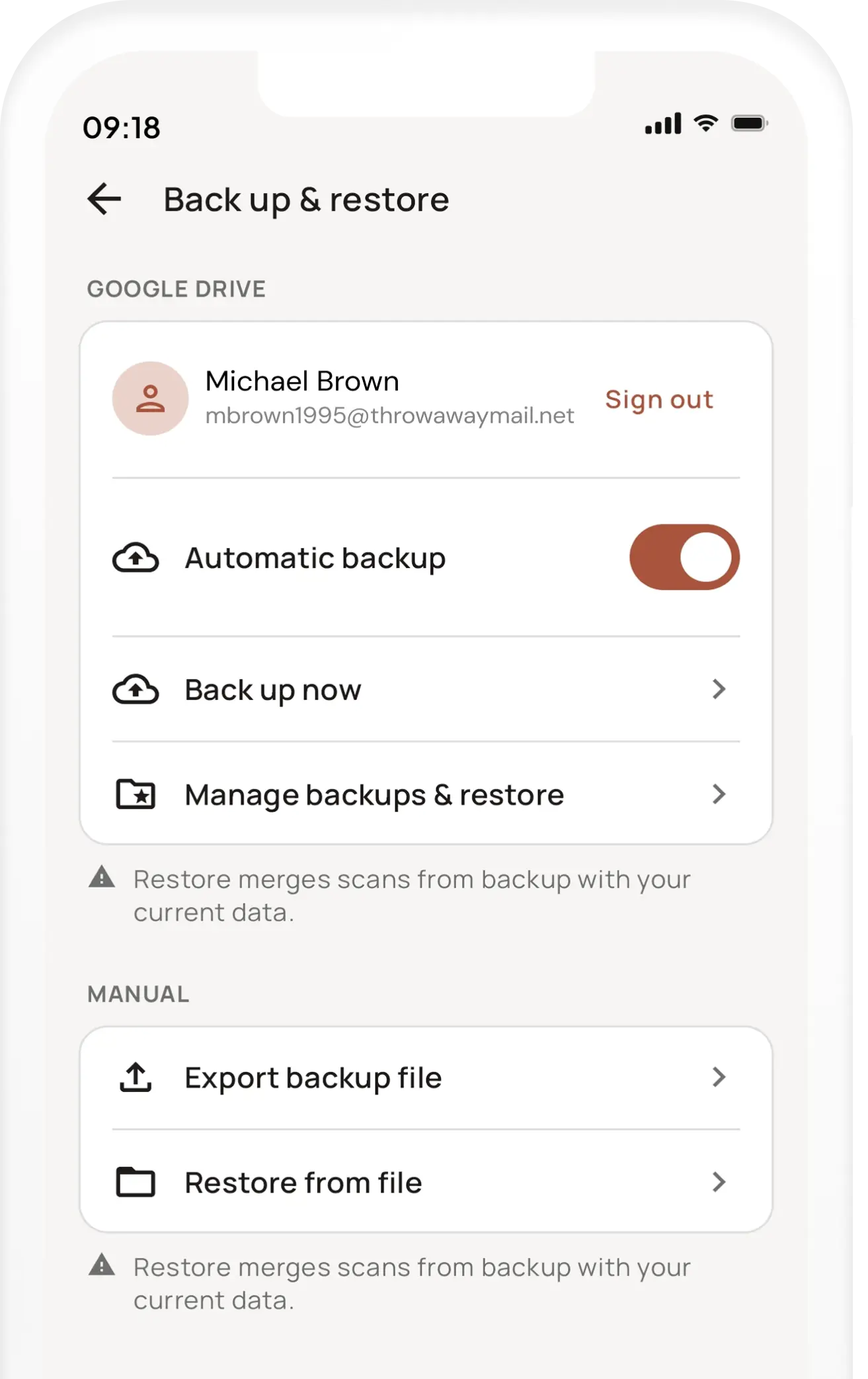
Back up your entire scan history to Google Drive automatically, or export a manual backup anytime. Switch phones without losing a thing.
Organise
Remember why you scanned it.
Every scan gets a note and tags. Organise by project, location, or any system that works for you — and find it later with a single search.
Scan modes
One code or ten.
Your choice.
Instant mode shows results immediately after scanning — perfect for quick, one-off scans. Need to scan a stack of codes? Turn instant mode off and scan as many as you want. Review them all at once when you’re done.
Backup and restore
Your scans,
always safe.
Upgrade to QIK Premium and never lose your scan history again. Back up automatically to Google Drive, or export a manual backup file anytime — and restore it on any device in seconds.
Offline and Private
No internet?
No problem.
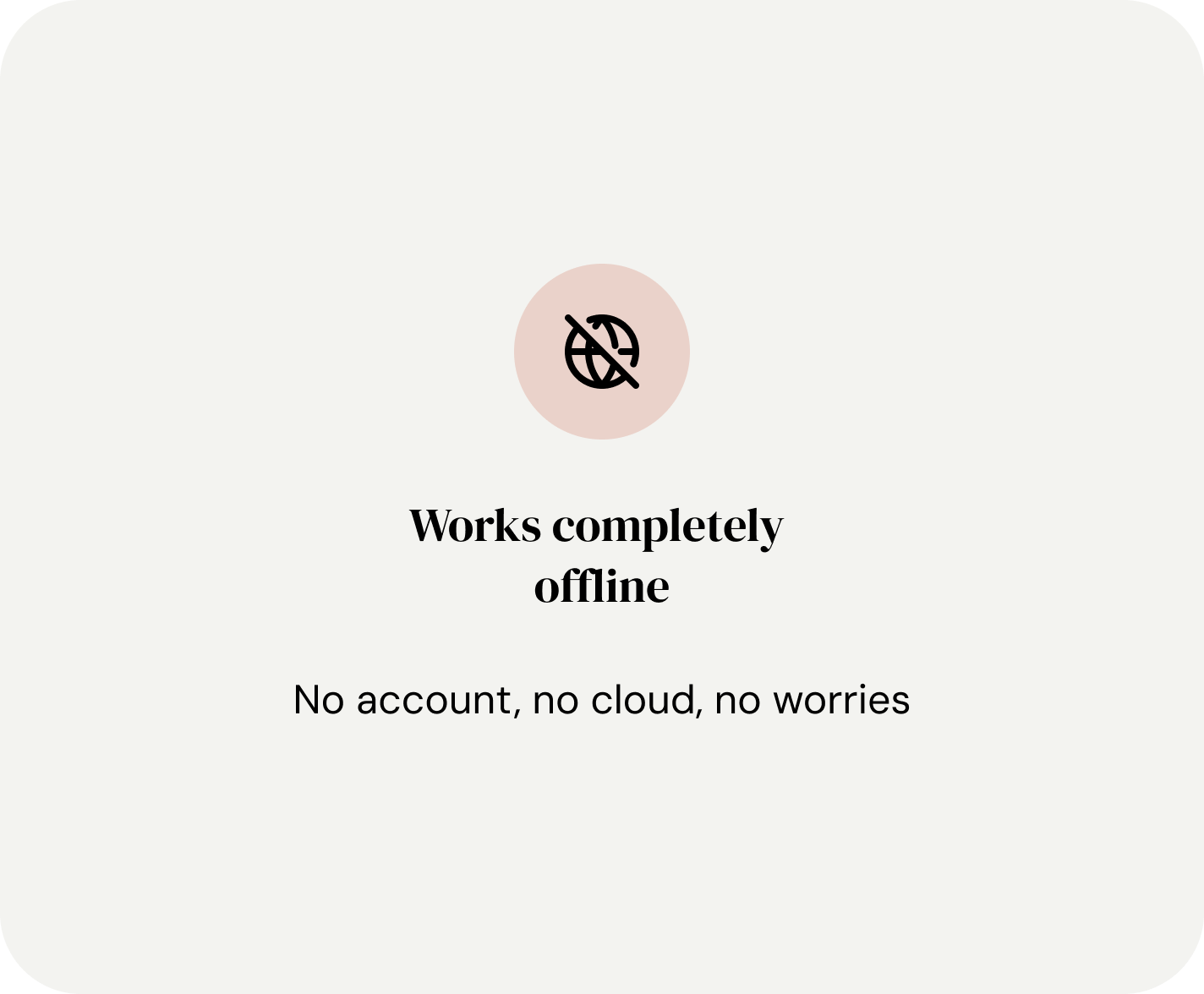
QIK is built offline-first. Scanning, saving, searching, and organising all work with zero data connection. Your scans never leave your device.
Start organising
your QR scans today
Download QIK free. Tag your first scan in under 5 seconds.
FAQ
Questions before you install?
Is QIK really free?
Yes — scanning, organizing, tagging, notes, and search are all free. QIK Premium removes ads and adds Google Drive backup. Choose annual (with 14-days free trial) or lifetime (one-time purchase, yours forever).
Does it work without internet?
Completely. QIK is built offline-first. Scanning, saving, searching, and organizing all work with no internet connection. Your data stays on your device.
Is my scan history private?
Your scans are stored only on your device. QIK doesn’t collect or upload your scan data. Google Drive backup (Premium) is opt-in and goes directly to your own Drive account — we never see it.
What does QIK Premium include?
QIK Premium removes all ads, enables automatic Google Drive backup, and unlocks manual backup & restore. Choose between Annual (billed yearly with 14-days free trial) or Lifetime (one-time payment, yours forever).
How does the 14-days free trial work?
The Annual Premium plan includes a 14-days free trial. Try all Premium features — no ads, Google Drive backup, manual export — risk-free. Cancel anytime during the trial and you won’t be charged. The Lifetime plan has no trial but is a one-time purchase with no recurring fees.
Which Android versions are supported?
QIK works on Android 11.0 and above, covering the vast majority of Android devices in use today.